

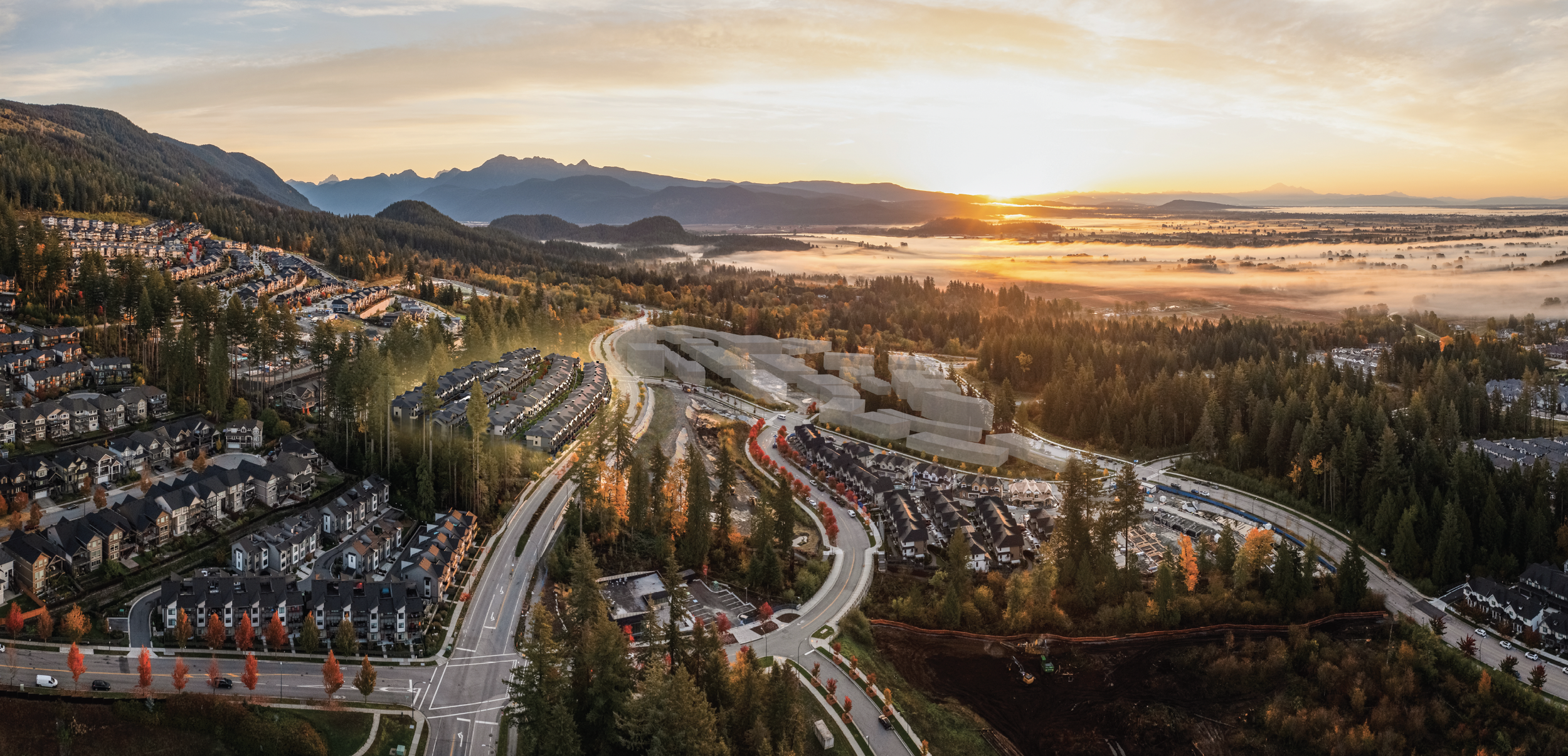
Live at Terrayne.
Because lifestyle
is everything.
Terrayne is a residential townhouse community comprised of 159 thoughtfully crafted 2 and 3-bedroom townhomes. Located adjacent to the future Burke Mountain Village, Terrayne will be a walkable, family-oriented community surrounded by a variety of shopping, educational and social interaction opportunities.
Featuring underground parking, a 2,500sf clubhouse amenity building and an array of outdoor social spaces, this exciting community promises a sense of real human connection in an outdoor-oriented mountainside setting.
Visit Website:
townline.com
Client:
Townline
Product:
Responsive Realtor Portal
Software:
Figma, Adobe Illustrator
Timeline:
4 weeks
Role:
Lead UI Designer
The Challenge
As an intern at Bam Digital, I was assigned to design a responsive Realtor Portal for Townline. This was my first real-client project, and I had to effectively manage my schedule to meet the deadline. I also considered the potential feature expansion as I sought creative solutions for the project.
The Goal
This portal would give realtors access to Terrayne's marketing resources, including social media, building and amenity information, suite details, and floorplans. Therefore, The goal of this project was to create a responsive Realtor Portal on desktop, tablet, and mobile devices that aligned with the design aesthetics of the recently launched touchscreen.
solutioning
I examined the recently launched touchscreen by going through all the existing functionalities and analyzing the overall look. Using the specified breakpoints, I then created responsive designs for desktop, tablet, and mobile devices. Once the mockups were complete, I held a hand-off meeting with the assigned web developer, during which I provided detailed design specifications and user interaction explanations, along with all necessary design assets. Once the Netlify app was ready, I reviewed the design and addressed any issues in the Internal Quality Assurance - QA process to ensure the design was aligned with the intended version.
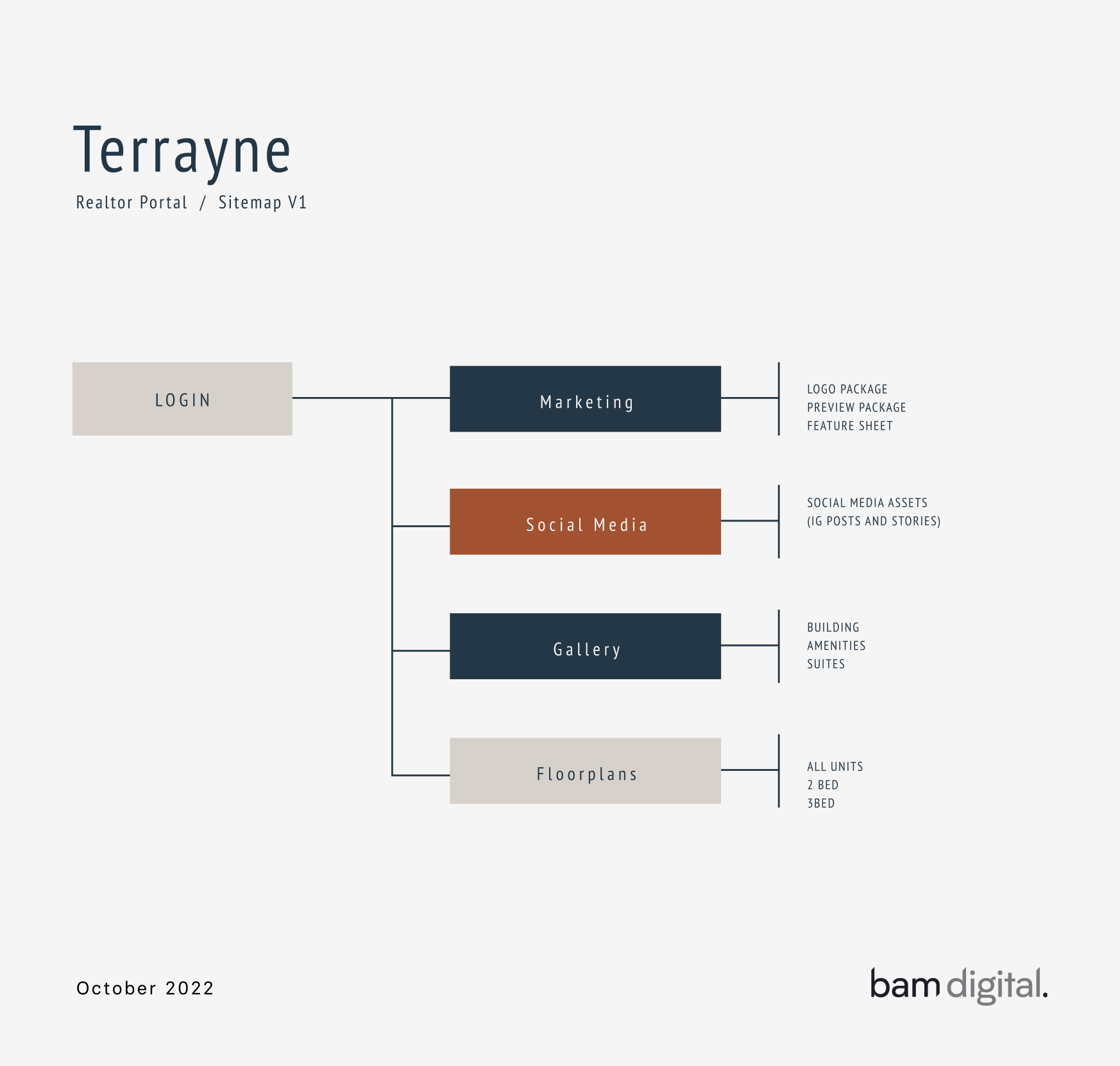
To ensure a user-friendly experience for realtors, I created a sitemap to prioritize and carefully organize the content for the realtor portal.
This helped make the portal more efficient and effective for realtors.
The UI Style Guide
I created a UI Style Guide that contains all the assets related to the Terrayne Realtor Portal user interface. This style guide includes typography, brand colours, buttons, cards, and components that are approved to be used in accordance with brand guidelines. This style guide would also serve the DEV team as a reference for ensuring consistent branding and design throughout
the portal.
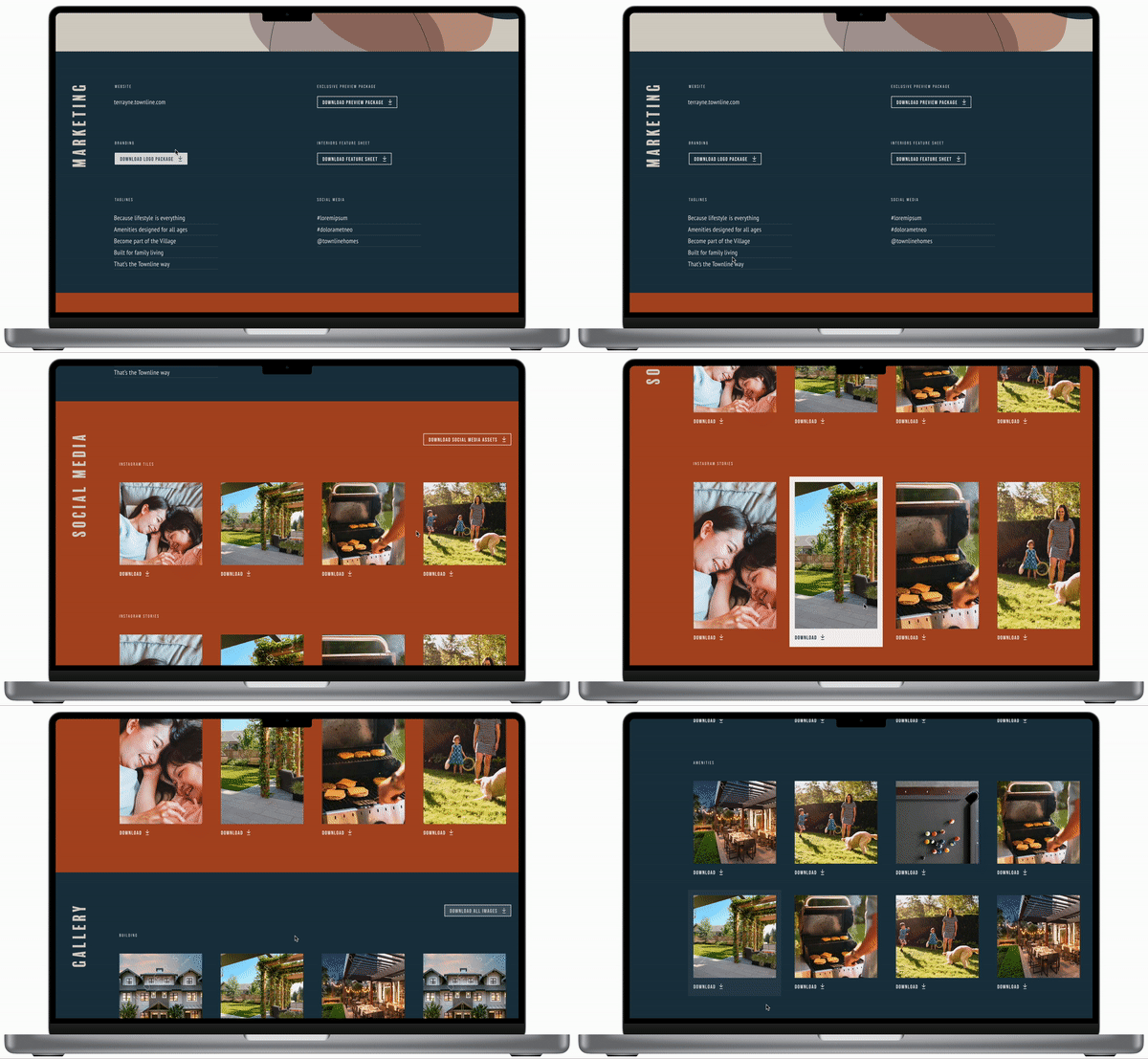
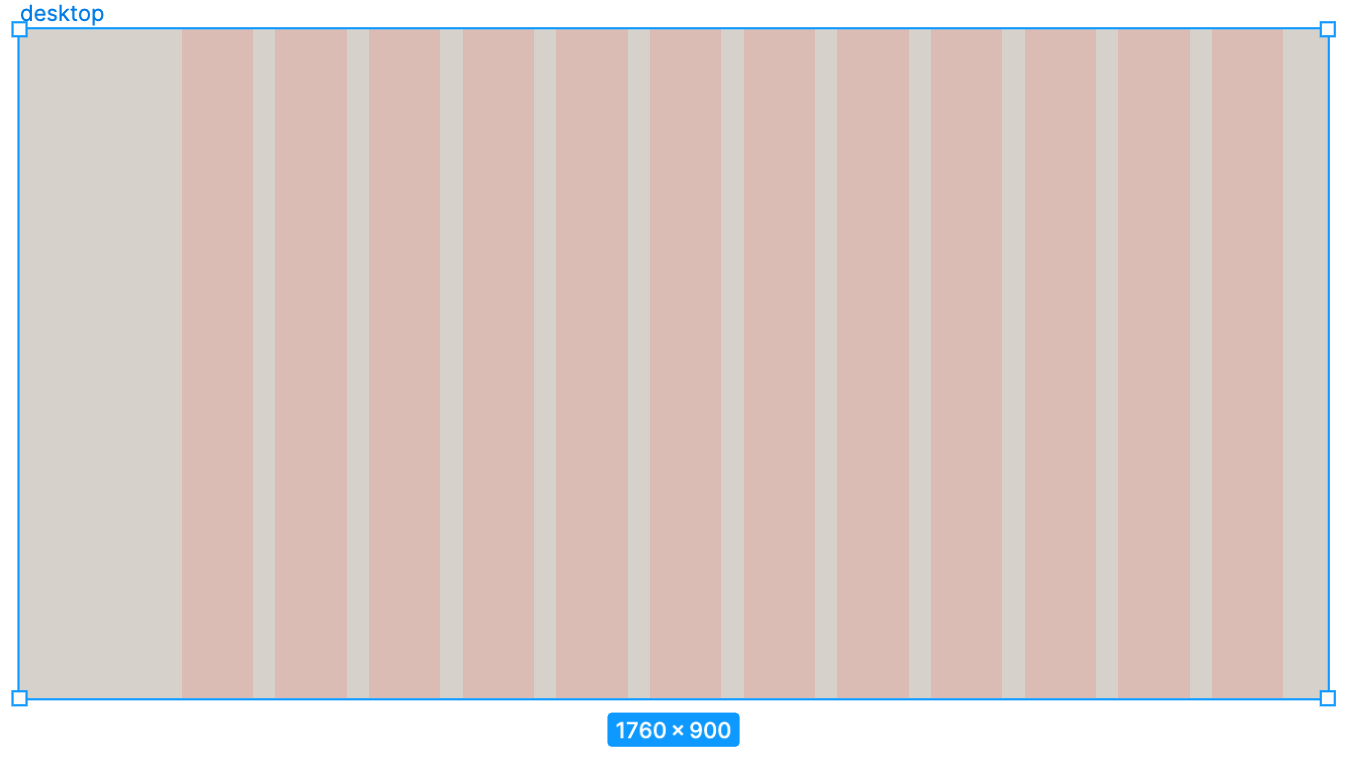
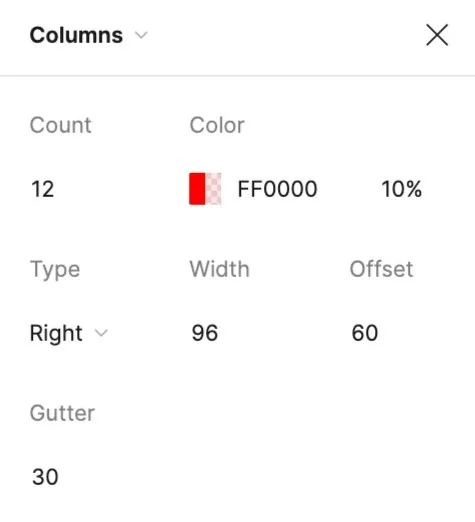
Desktop
Breakpoints: 1760 px
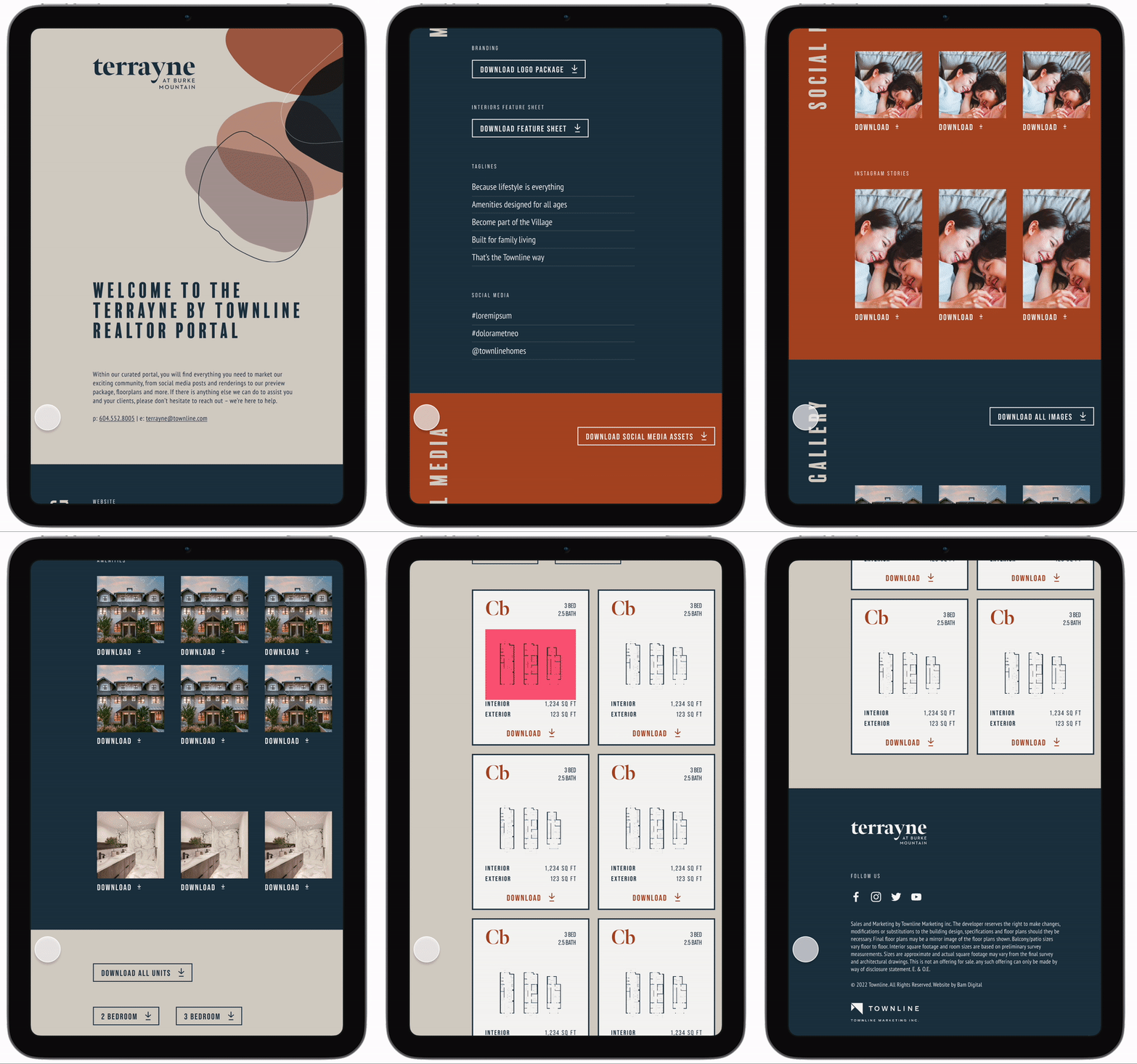
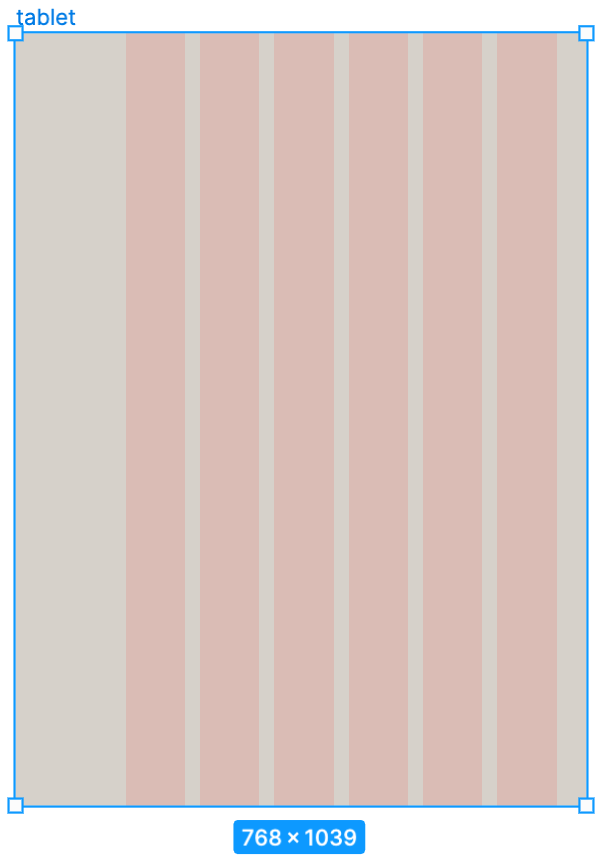
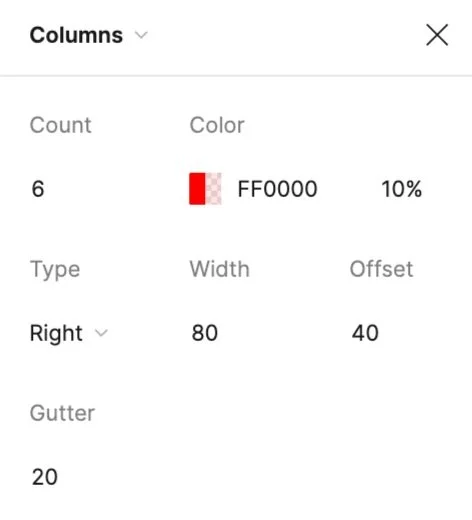
Tablet
Breakpoints: 768 px
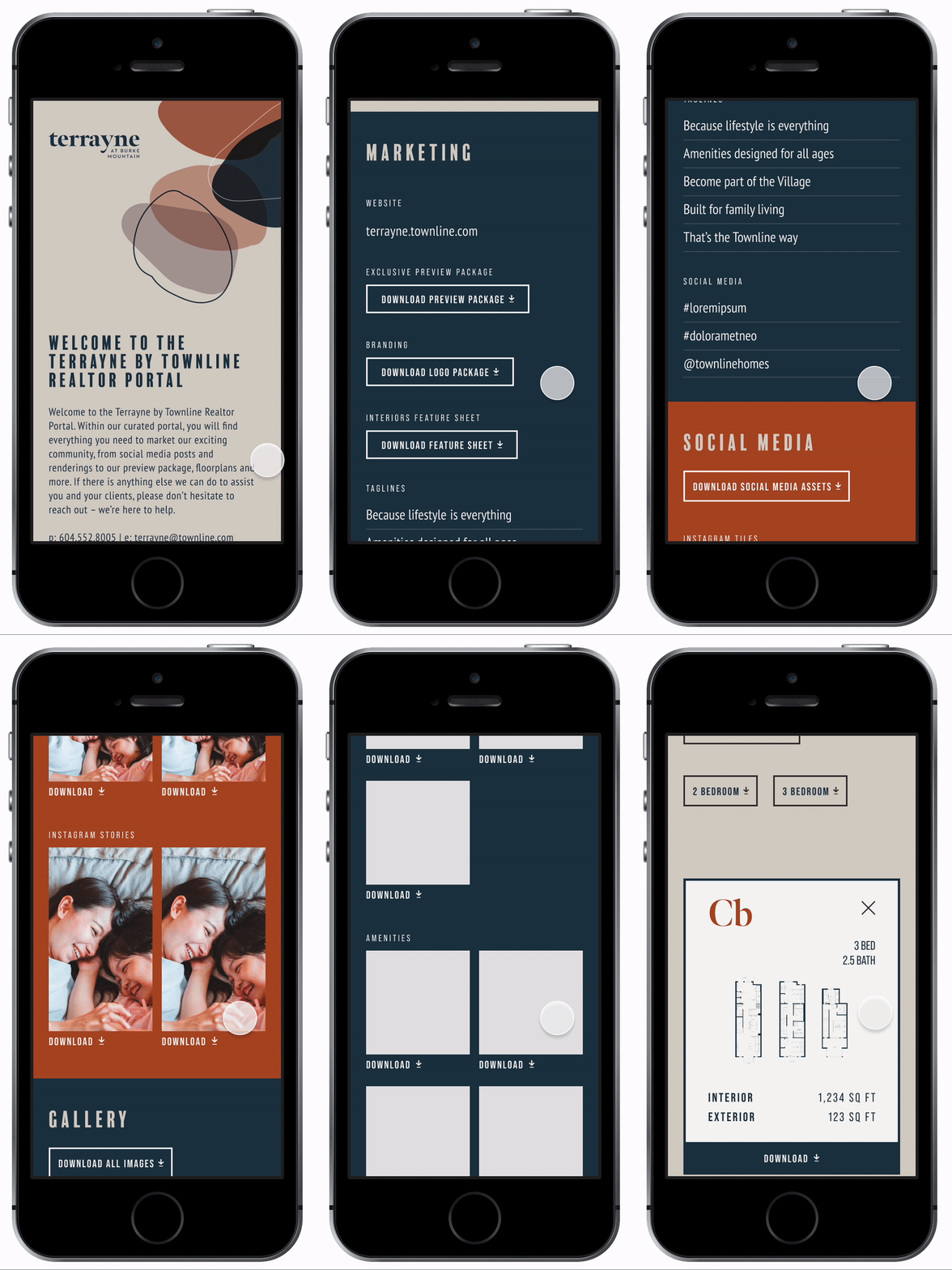
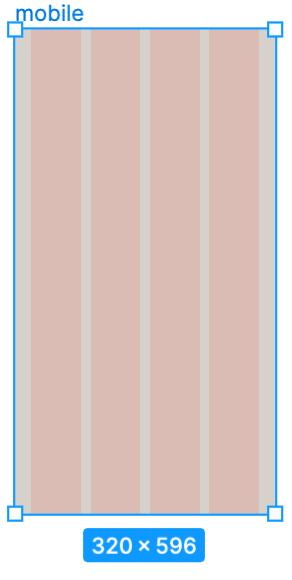
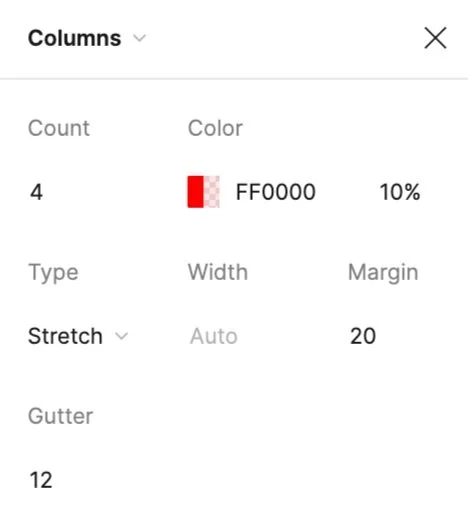
Mobile
Breakpoints: 320 px
Design Hand-off
I completed the design of responsive mockups and coordinated with the developer to have a design hand-off session together. To ensure smooth, clear and transparent collaboration, I prepared the design system, named all components, and exported assets in the appropriate sizes. Prior to our hand-off session in Figma, I created a prototype and added comments on the design file to clarify user interactions for the dev team to review.
Design QA
After receiving the Netlify app from the developer, I performed internal quality assurance review and testing to ensure the final product met the requirements. This included interactions, alignments, spacing, assets, etc. I reviewed each device using the BrowserStack app and Viewport Resizer Google extension in Google Chrome and Safari. I identified the issues I found in a QA sheet where I specified them by their issue type, severity and whether it was critical for launch. After the developer made the necessary changes, I conducted a secondary review to verify that all issues had been resolved. The final product was then reviewed by the Project Manager to ensure it met all requirements and was ready for client quality assurance.
Conclusion
Following the completion of external quality assurance testing,
I presented the final prototype of the Realtor Portal to the Townline client. The client was satisfied with the results, and upon their approval, the portal was successfully launched
for the realtors.
Key Learnings
Creating the assets in the production stage:
Floorplans resizing
Image exporting
Favicon designTranslating the font size from desktop to tablet and mobile
Having consistent spacing for the content
Creating a style guide - learning what content needs to be added.
Time tracking